How to Promote OnlyFans on Instagram: What to Post in 2026
What can adult creators post on Instagram? Get public Reel and photo ideas, a complete post example, Trial Reels steps, and guidance on links and account restrictions.
To promote OnlyFans on Instagram, use public photos and Reels to make people interested in you, keep your profile recognizable, and make any permitted next step easy to find. Prepare separate Instagram content when your paid photos don't fit a public feed. Another “link in bio” caption won't give a stranger much reason to stop scrolling.
For adult creators, this means showing your look, humor and interests while following Instagram's content and promotion rules. Below are posts you can actually make, a complete Reel example, and the account checks to use when reach drops.
What can an adult creator post on Instagram?
Start with a public post that makes sense before someone knows you have an OnlyFans. A person can enjoy your style or personality without being ready to buy a subscription.
Here are five original post ideas to adapt:
| Post | What to make | A caption direction |
|---|---|---|
| Getting ready for the day | A short fully clothed clip showing the finished look, then one detail you chose | Explain the choice: “The boots decided the whole outfit.” |
| Your personality on camera | Answer a small everyday question, such as what you'd choose for a night in | Give your actual answer and a detail that sounds like you |
| A photo carousel | A full outfit, a closer detail and a different expression from the same session | One thought connecting the photos, rather than three sales pitches |
| A real behind-the-scenes update | Your lighting setup, wardrobe preparation or editing desk, with private content off screen | Describe what you're working on without offering prohibited material |
| A Story for existing followers | A small update or a two-option poll you actually want answered | Ask about the decision shown in the Story |
Use a format you enjoy making. You don't need to turn into a fashion influencer; these are ways for someone to get a sense of the creator behind the paid page. Choose details that belong to you, rather than inventing a hobby because it looks marketable.
Keep explicit content and prohibited sexual offers off Instagram. Non-explicit images can still be affected by their caption or context; see the link and restriction checks below.
A complete Instagram Reel idea you can film
Here's an original example for an adult creator whose public style includes dark clothes and dry humor. Adapt it to your own wardrobe and voice.
The idea: one black top, two very different ways to wear it.
| Part | What appears in the video | On-screen text or spoken line |
|---|---|---|
| Opening | Show the fully clothed first look: the top, jeans and a simple necklace | “Same top. Different plans.” |
| Middle | Cut to the second completed look with a jacket, different accessories and boots | “This one has opinions.” |
| Ending | Show the two finished looks side by side | “Which one would you recognize me in?” |
Caption: “The top stayed. Everything else got a little louder.”
Profile introduction: a short, accurate line about your style and interests. Your recent public posts should look like they belong to the same person in the Reel.
This example gives a non-follower something to understand and respond to before asking them to visit anywhere else. It also leaves the paid-page description to the place where that offer belongs. Record the video yourself; StarSmith currently creates images, not Reels footage.
For single-photo posts, use the promo-caption examples to choose a suitable tone. A caption still has to fit Instagram's rules; a line suitable elsewhere isn't automatically suitable here.
How to use Trial Reels to reach non-followers
If Trial Reels are available on your account, make a Reel as usual and enable Trial before sharing. It is shown to non-followers first, with engagement information available afterward. You can then choose whether to share it with everyone. Meta's Trial Reels instructions.
Keep the first test simple: one idea and an opening someone can understand without context. Compare it with a later version that changes the opening or presentation. Don't change the subject, filming style and intended audience all at once and expect to know what made the difference.
Look at the Reel's available results and your profile activity. Views tell you about viewing, not paid subscribers. A Story still has a useful role in keeping existing followers updated; it isn't a substitute for a plan to reach people who haven't found you.
Make your Instagram profile easy to recognize
Open your profile on a phone as a visitor. Check three things:
- The person matches the posts. Use a recognizable profile photo and a creator name people can connect with your other public accounts.
- The bio says something about you. A specific interest or personality detail is easier to understand than a row of unexplained emojis.
- Your recent posts explain the account. Someone should see what following you is like without digging through months of unrelated uploads.
For a faceless account, keep that boundary throughout the profile, thumbnails and clips. The faceless guide covers the checks that need more than cropping a photo.
Can you put an OnlyFans link on Instagram?
Meta's Adult Sexual Solicitation policy places references to adult subscription sites behind an adult age restriction, while prohibiting offers or requests for pornographic material. The picture, language and destination all matter; the presence of a link alone doesn't answer whether a particular promotion complies.
If using a permitted link, label it accurately and test it on your phone. A link hub can organize destinations, but doesn't override the policy. Changing spelling or adding an intermediate page doesn't establish permission either.
Why is your content allowed but not being recommended?
Meta distinguishes content it allows from content it recommends to people who don't follow you. Read any content or account notices when reach changes, and use the review route where offered. One quiet Reel doesn't prove an account-wide restriction. Meta's recommendation guidelines.
If a notice identifies a profile element or post, address that specific issue before trying another caption. Neither “post more” nor a supposedly safe word list resolves every restriction.
How to get new Instagram promo pics without another full shoot
Look at what you already have first. A usable real photo may need only a crop and caption. Take a new photo or clip when the post is about something that actually happened, such as a real outfit or content day.
When you want a different visual look, StarSmith can generate a promotional image from your selfie and an Inspiration or reference. You review the result and decide whether it fits your public account and the platform's requirements.
The examples below use one AI-generated source selfie and eight actual StarSmith outputs. They demonstrate the image workflow; they aren't a customer's campaign or evidence of subscriber growth.
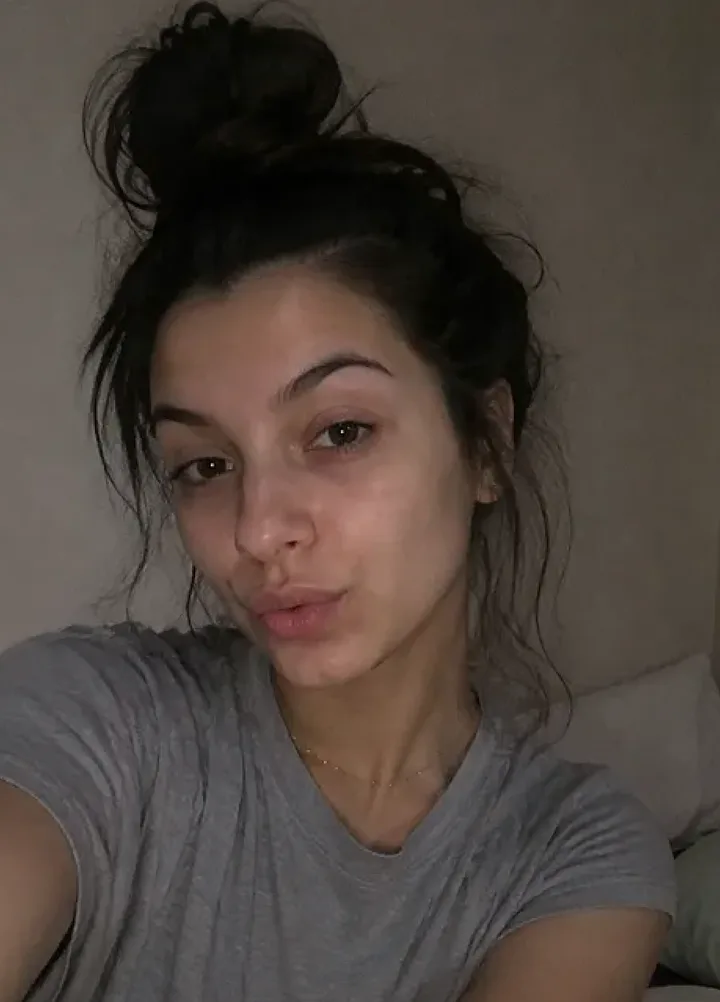
This selfie
These eight examples were generated from the same source image. Review every result and its intended use before posting.
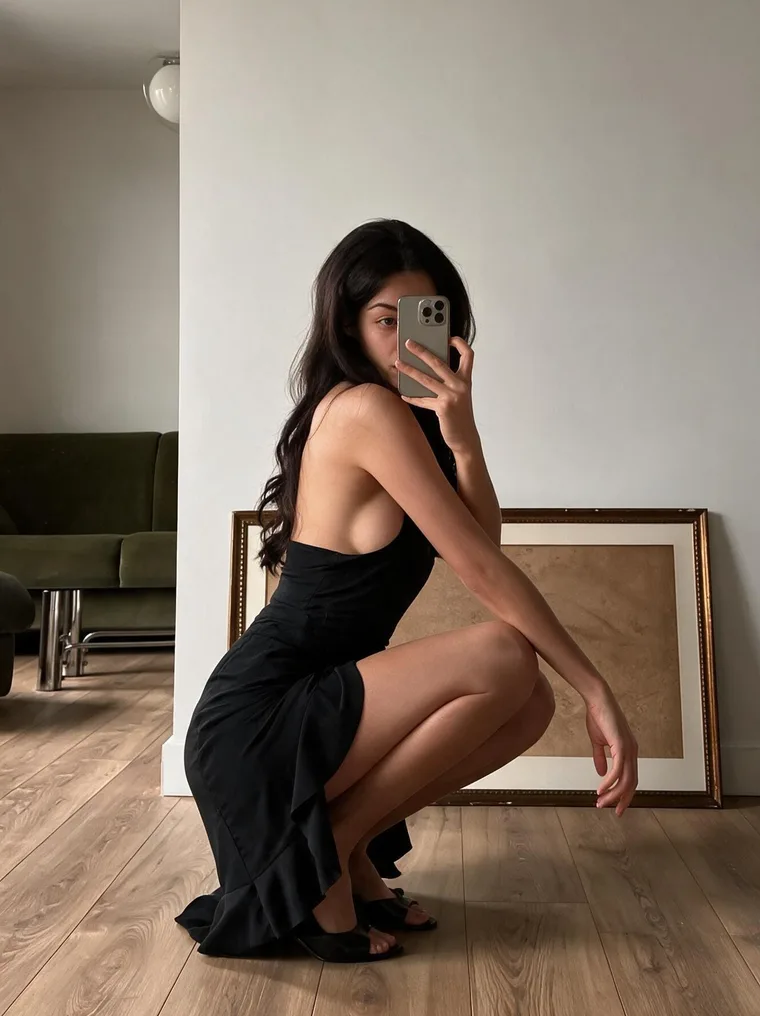 Home portrait
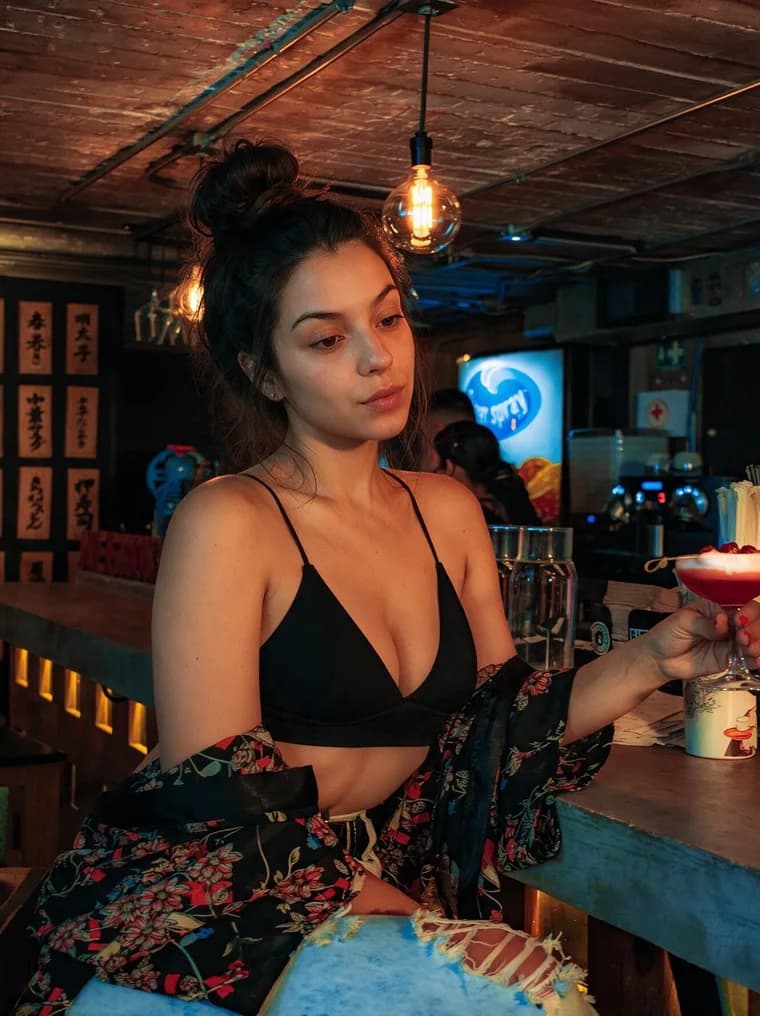 Cocktail-bar look
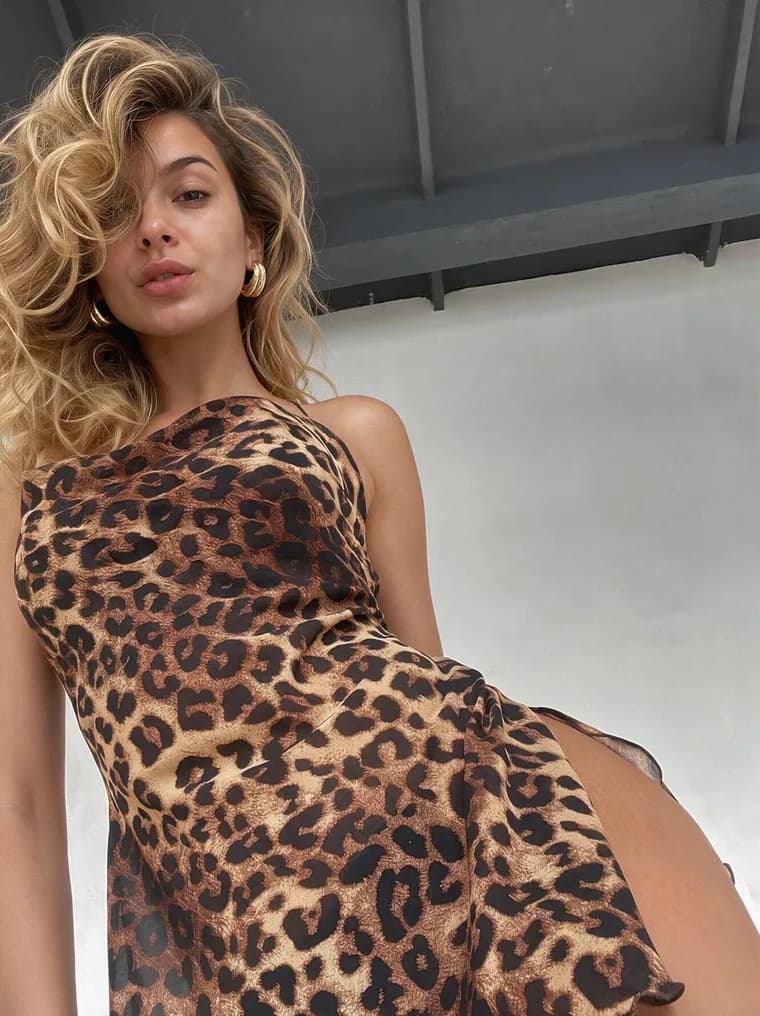 Leopard-print look
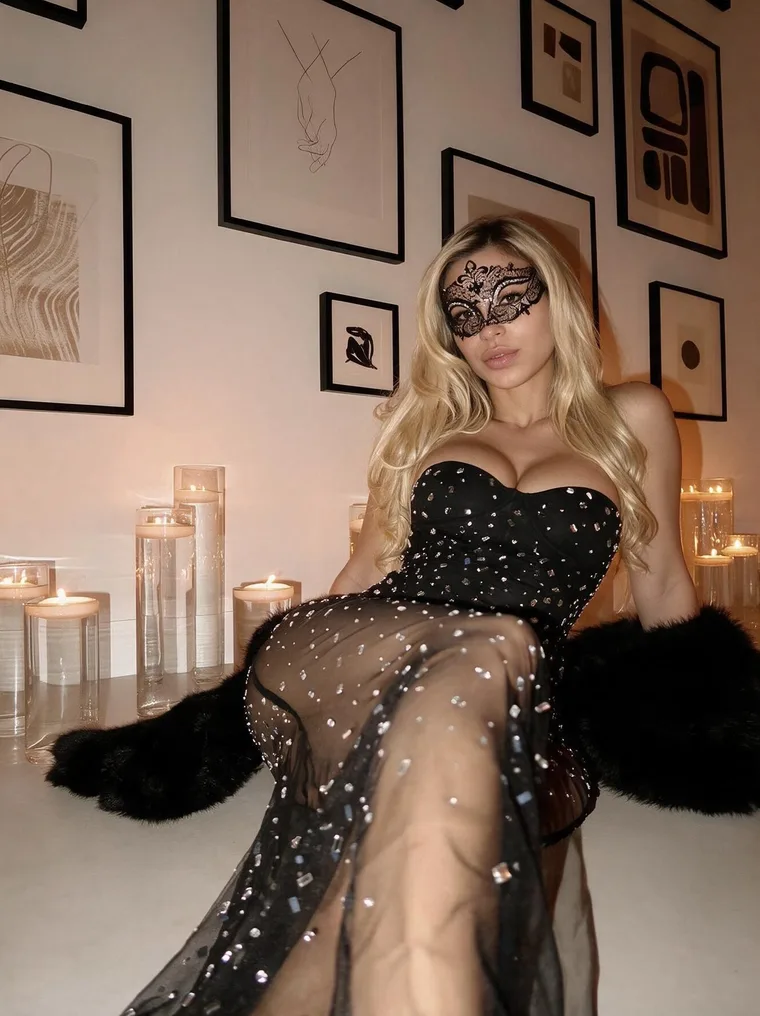 Masquerade evening
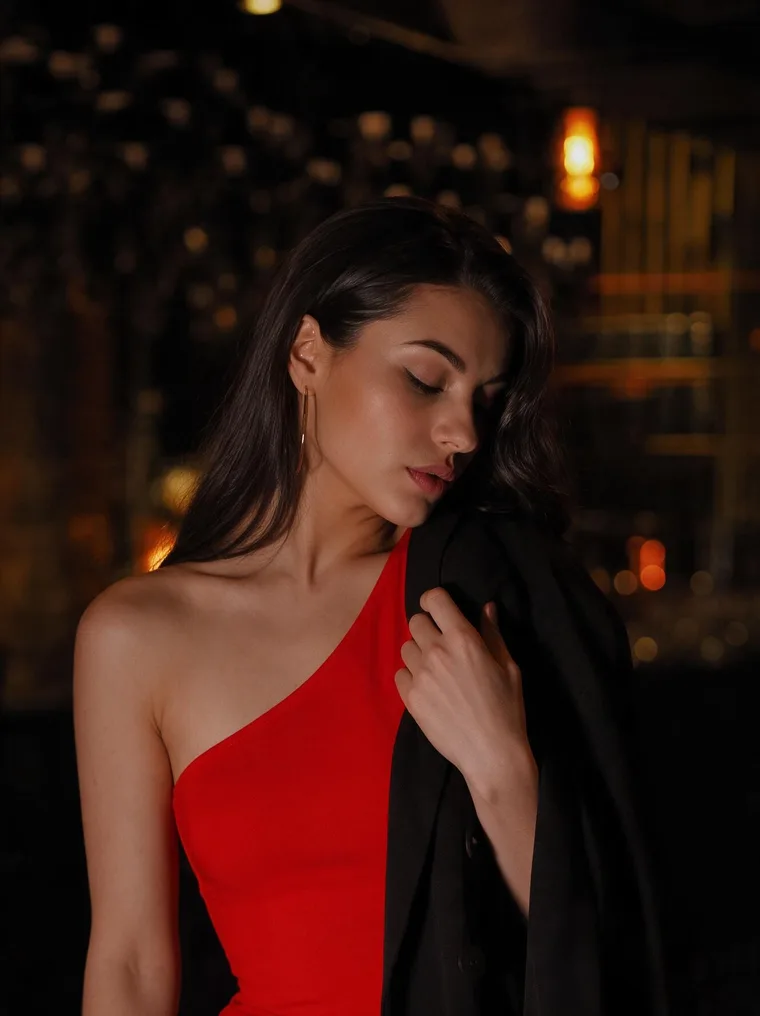 Red evening look
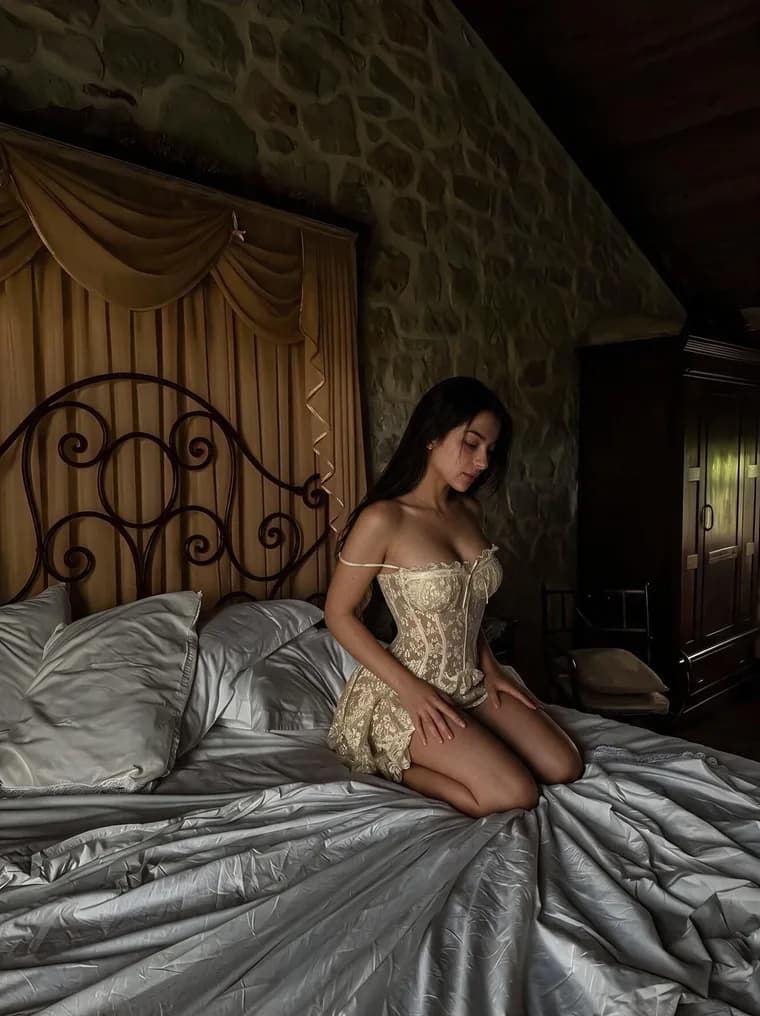 Vintage-bedroom look
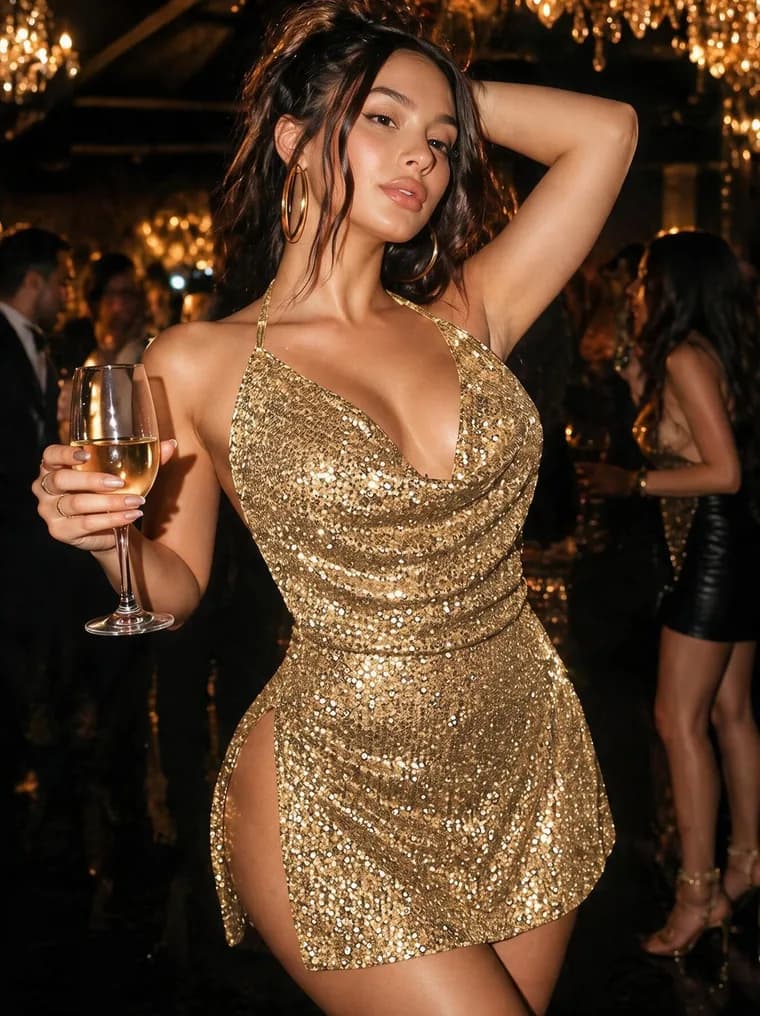 Gold party look
 Olive editorial look
Check resemblance, clothing, hands and background before using a result. Describe a generated scene as a visual idea, rather than claiming you were at a real event or advertising a paid shoot that doesn't exist. Follow applicable AI-labeling requirements. The promo-photo workflow covers the actual creation and review steps.
Getting profile visits but no OnlyFans subscribers?
Check any permitted link first. Then compare the creator and content someone saw on Instagram with the page that opens. If people are reaching OnlyFans, use the subscription troubleshooting guide to inspect the paid page. Making another Reel won't fix an expired offer or a broken link.
If the delay is earlier—choosing and preparing a photo—put that task into your weekly calendar. Smith can bring daily Inspiration and reminders to Telegram, so your next session starts with an idea to consider.
Need another public photo?
Try a new look with your own selfie
See how StarSmith prepares promotional images. Review each result before using it; image generation uses paid credits.